How to Download My Trading Transaction History Statement?
To help you keep track of your market prediction history, you can generate a monthly transaction report of your Xmarket trading history. Follow these steps to download your trade history from Xmarket:
-
Sign in to your Xmarket account, click the My Positions.
-77468564de23775af562a9cadcf585c3.png)
-
Click the History tab to review your past trades and transaction details within your account.
-d0e78d5d692cb0e34398f887fab2f364.png)
-
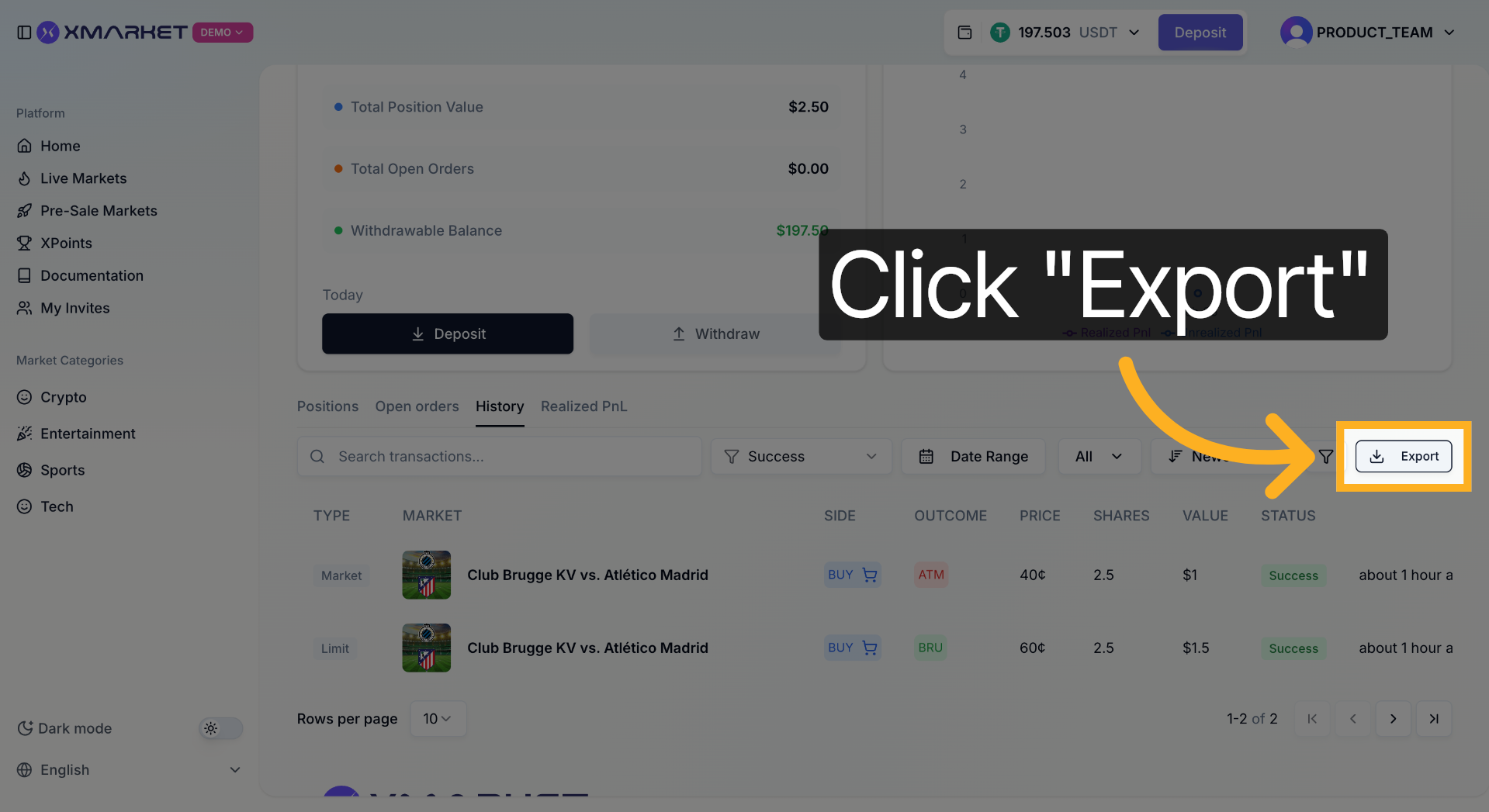
Click Export Trade History.
-
After the statement is ready, you will receive a CSV file automatically download to your device.